OpenClaw 安装指南
快速开始
1️⃣ 安装 CLI → 2️⃣ 配置 API → 3️⃣ 开始使用
安装 OpenClaw
 安装 OpenClaw CLI
curl -fsSL https://openclaw.ai/install.sh | bash
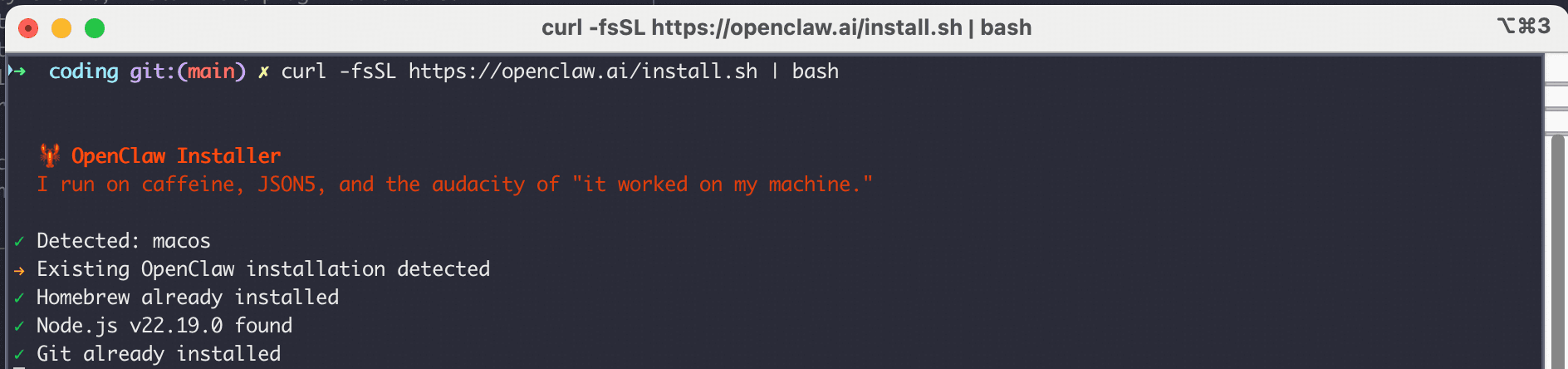
💡 提示:安装脚本会自动处理所有依赖和配置,无需额外操作。
配置 API
运行配置向导安装完成后,运行配置向导:
openclaw onboard
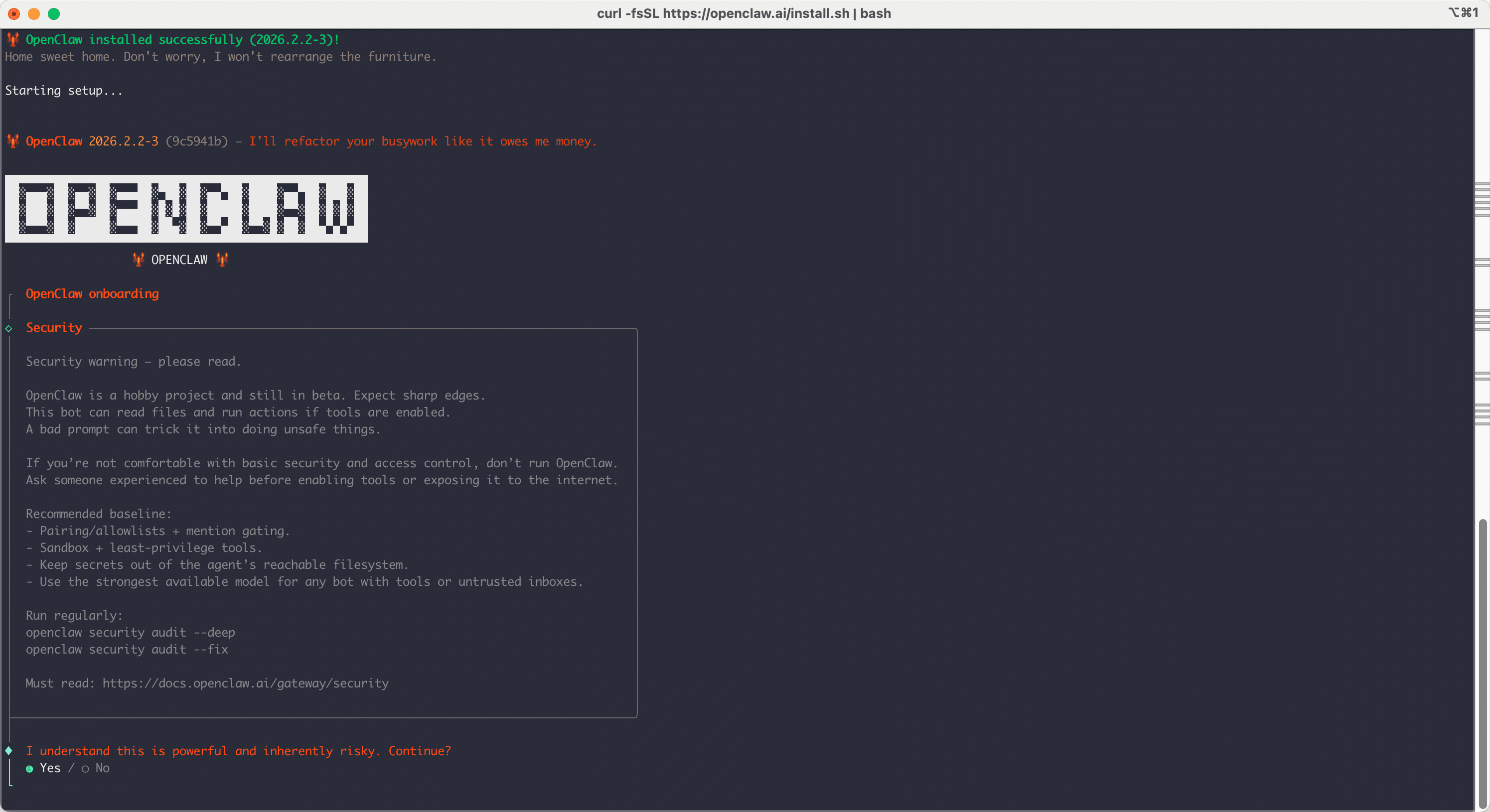
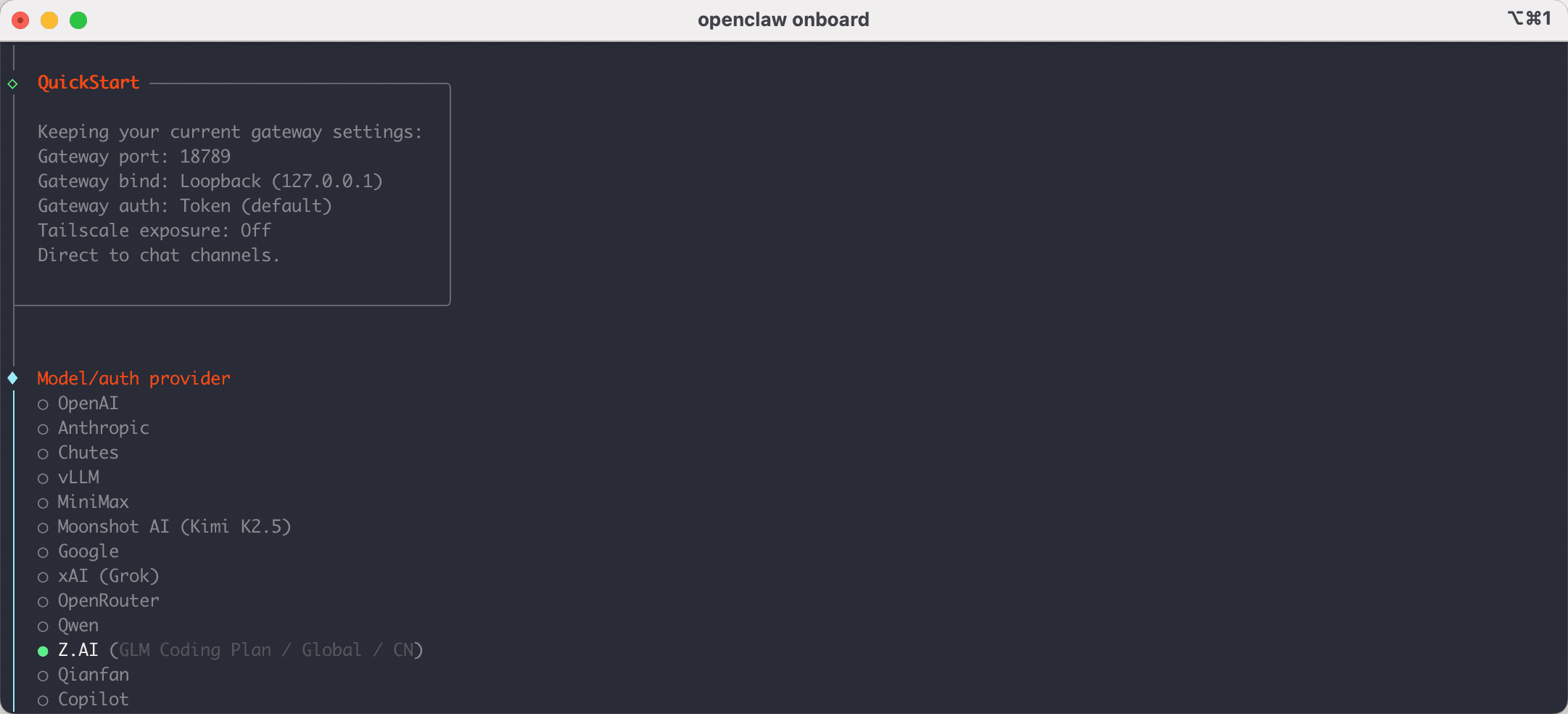
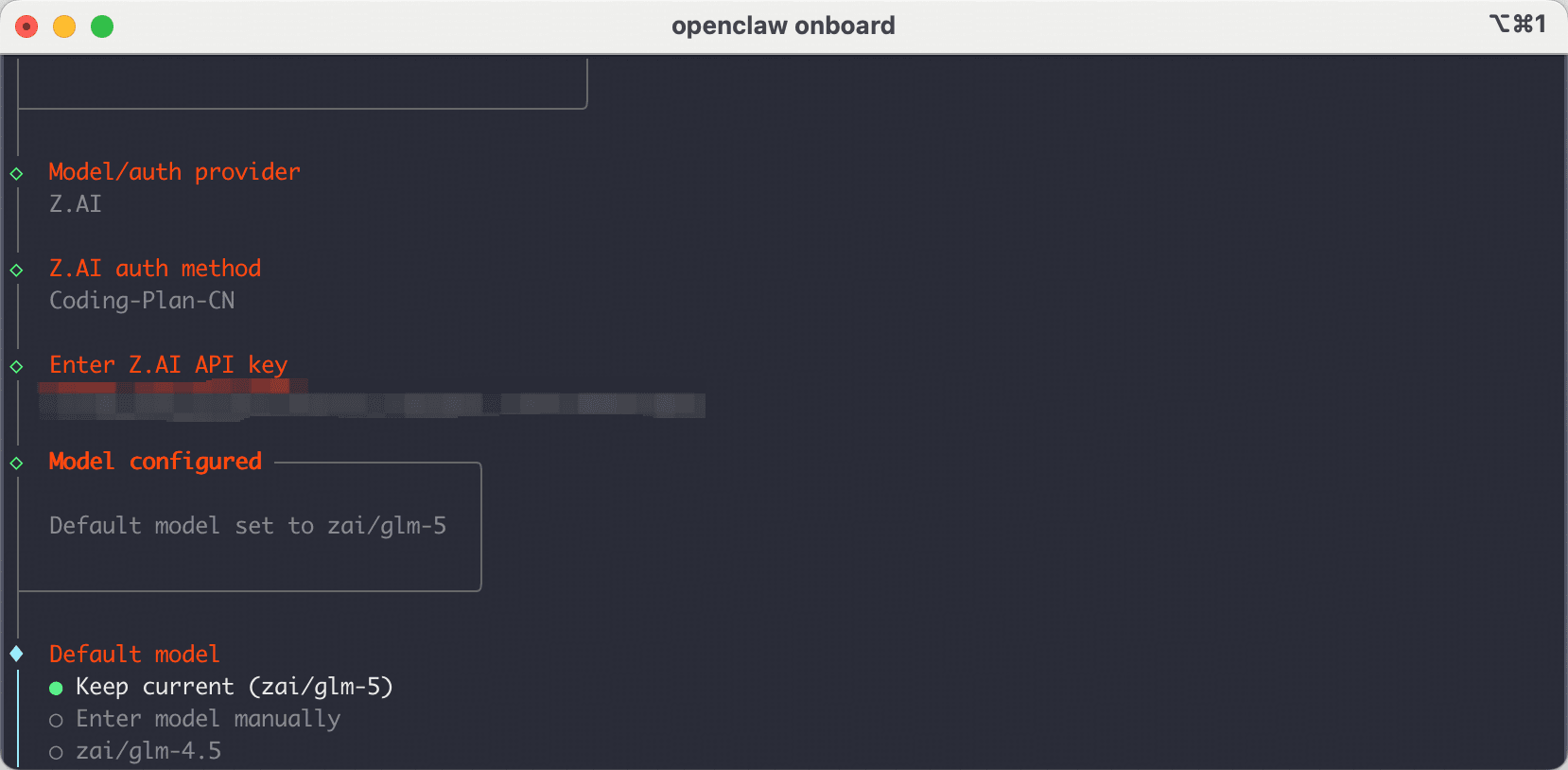
按提示选择配置项:
- Model/auth provider: 选择
Custom Provider(列表最后一项) - API Base URL:
https://router.052.io - API Key: 输入平台令牌(从控制台获取)
- Endpoint compatibility: 选择
anthropic-messages - Model ID: 输入想用的模型名(如
claude-sonnet-4-6)

提示:配置会保存到 ~/.openclaw/openclaw.json,后续可以手动编辑该文件调整配置。
可用模型
平台支持以下 Claude 模型:
claude-opus-4-6- 最强大的模型,适合复杂任务claude-sonnet-4-6- 平衡性能和速度claude-haiku-4-5-20251001- 快速响应,适合简单任务
开始使用 OpenClaw
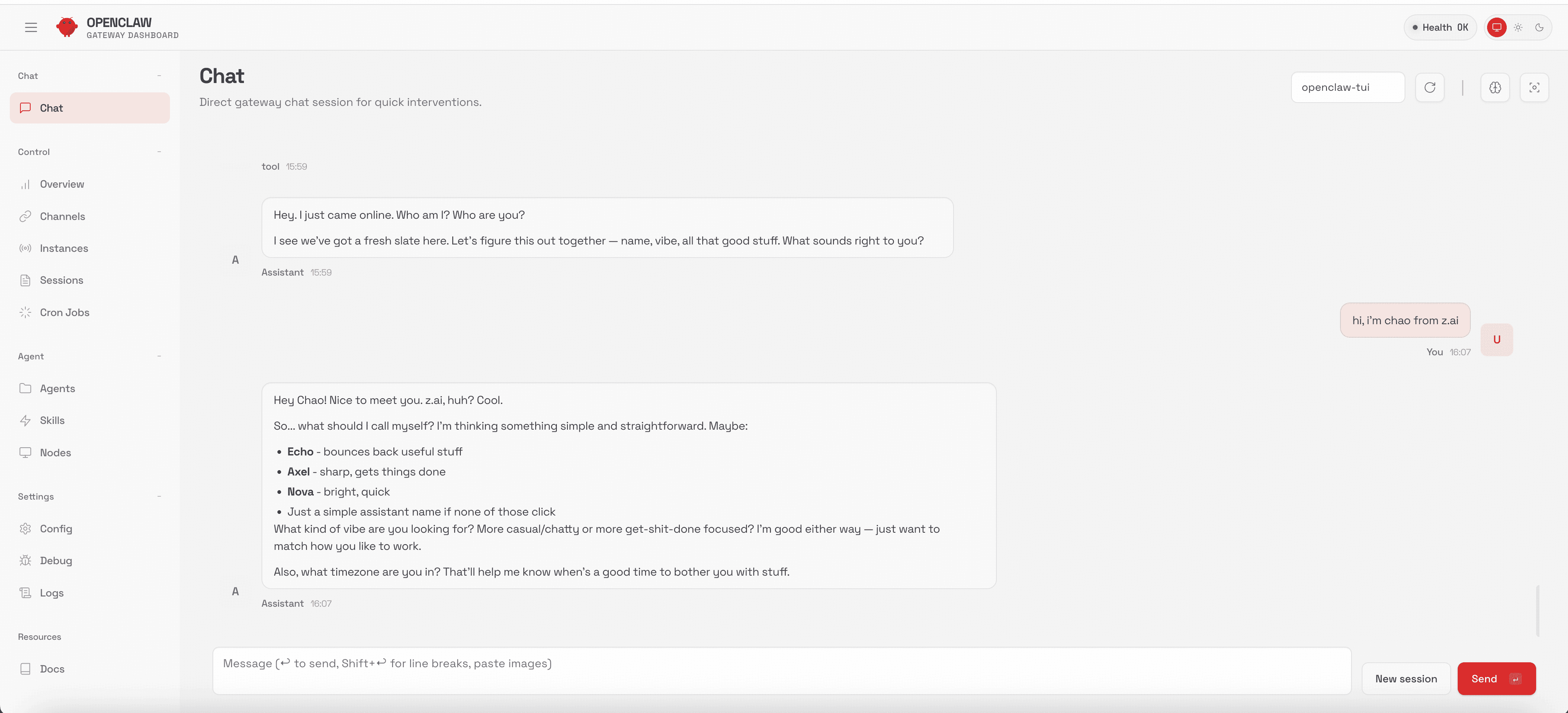
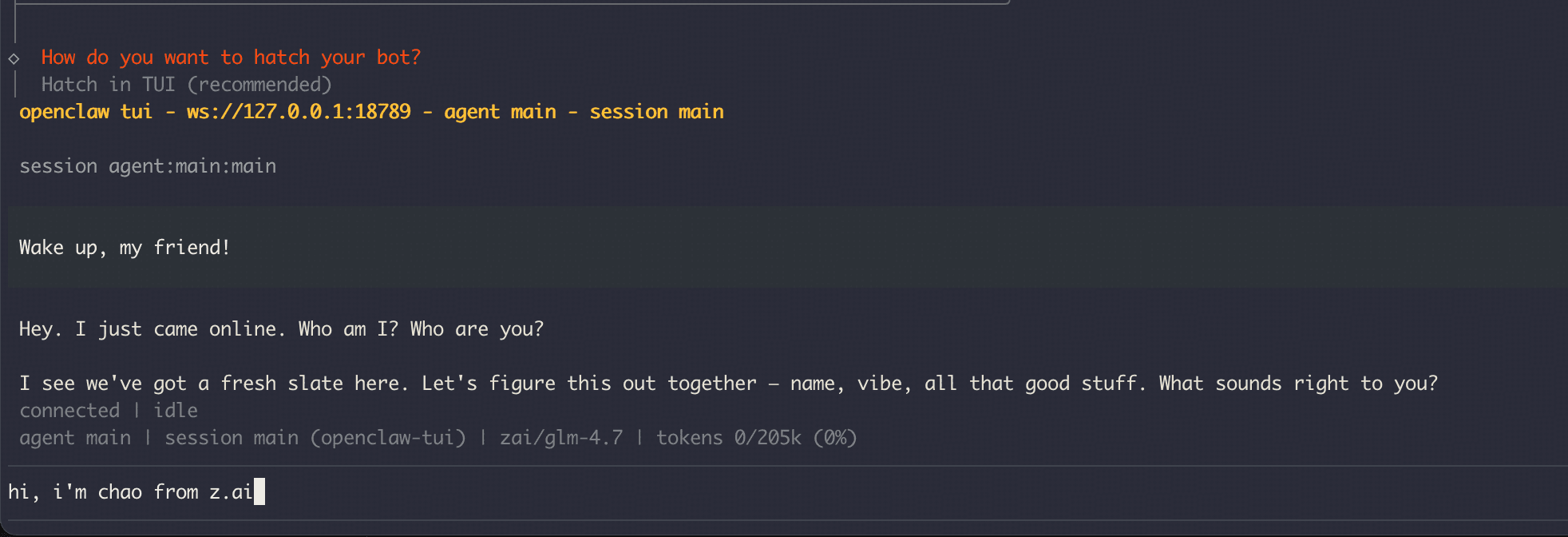
开始使用 OpenClaw配置完成后,您可以立即开始使用 OpenClaw:
# 启动交互式会话
openclaw

# 或直接执行命令
openclaw "帮我优化这段代码"
✅ 配置成功! 现在您可以:
- 在终端中直接使用
openclaw命令 - 享受强大的 AI 编程助手功能
- 使用
openclaw --help查看更多命令选项
高级配置
如需更多自定义选项,可以直接编辑配置文件 ~/.openclaw/openclaw.json。
配置文件结构
配置向导会自动生成完整的配置文件,关键部分如下:
{
  "agents": {
    "defaults": {
      "model": {
        "primary": "052router/claude-sonnet-4-6"
      }
    }
  },
  "models": {
    "mode": "merge",
    "providers": {
      "052router": {
        "baseUrl": "https://router.052.io",
        "apiKey": "${052_API_KEY}",
        "api": "anthropic-messages",
        "models": [
          { "id": "claude-sonnet-4-6", "name": "claude-sonnet-4-6" },
          { "id": "claude-opus-4-6", "name": "claude-opus-4-6" },
          { "id": "claude-haiku-4-5-20251001", "name": "claude-haiku-4-5" }
        ]
      }
    }
  }
}
配置说明
- primary 模型: 使用
提供商名称/模型ID格式,如052router/claude-sonnet-4-6 - API Key: 使用环境变量
${052_API_KEY},需在系统中设置该环境变量 - 添加模型: 在
models数组中添加更多模型配置 - 多提供商: 可在
providers下添加多个提供商配置
设置环境变量
将 API Key 设置为环境变量(推荐方式):
# 临时设置(当前会话)
export 052_API_KEY="your-api-key-here"

# 永久设置(添加到 ~/.zshrc 或 ~/.bashrc)
echo 'export 052_API_KEY="your-api-key-here"' >> ~/.zshrc
source ~/.zshrc
完整配置文件示例
以下是完整的配置文件结构(已脱敏),供参考:
{
  "wizard": {
    "lastRunAt": "2026-03-10T06:11:25.528Z",
    "lastRunVersion": "2026.3.8",
    "lastRunCommand": "onboard",
    "lastRunMode": "local"
  },
  "auth": {
    "profiles": {
      "anthropic:default": {
        "provider": "anthropic",
        "mode": "api_key"
      }
    }
  },
  "agents": {
    "defaults": {
      "model": {
        "primary": "052router/claude-sonnet-4-6"
      },
      "workspace": "/Users/username/.openclaw/workspace",
      "compaction": {
        "mode": "safeguard"
      },
      "maxConcurrent": 4,
      "subagents": {
        "maxConcurrent": 8
      }
    }
  },
  "models": {
    "mode": "merge",
    "providers": {
      "052router": {
        "baseUrl": "https://router.052.io",
        "apiKey": "${052_API_KEY}",
        "api": "anthropic-messages",
        "models": [
          { "id": "claude-sonnet-4-6", "name": "claude-sonnet-4-6" },
          { "id": "claude-opus-4-6", "name": "claude-opus-4-6" },
          { "id": "claude-haiku-4-5-20251001", "name": "claude-haiku-4-5" }
        ]
      }
    }
  },
  "tools": {
    "profile": "coding"
  },
  "messages": {
    "ackReactionScope": "group-mentions"
  },
  "commands": {
    "native": "auto",
    "nativeSkills": "auto",
    "restart": true,
    "ownerDisplay": "raw"
  },
  "session": {
    "dmScope": "per-channel-peer"
  },
  "channels": {
    "telegram": {
      "enabled": true,
      "dmPolicy": "pairing",
      "botToken": "YOUR_BOT_TOKEN_HERE",
      "groupPolicy": "allowlist",
      "streaming": "partial"
    }
  },
  "gateway": {
    "port": 18789,
    "mode": "local",
    "bind": "loopback",
    "auth": {
      "mode": "token",
      "token": "YOUR_GATEWAY_TOKEN_HERE"
    },
    "tailscale": {
      "mode": "off",
      "resetOnExit": false
    },
    "nodes": {
      "denyCommands": [
        "camera.snap",
        "camera.clip",
        "screen.record",
        "contacts.add",
        "calendar.add",
        "reminders.add",
        "sms.send"
      ]
    }
  },
  "plugins": {
    "entries": {
      "telegram": {
        "enabled": true
      }
    }
  },
  "meta": {
    "lastTouchedVersion": "2026.3.8",
    "lastTouchedAt": "2026-03-10T06:11:25.570Z"
  }
}
配置字段说明
- wizard: 配置向导运行记录
- auth.profiles: 认证配置文件
- agents.defaults: Agent 默认配置
model.primary: 默认使用的模型workspace: 工作空间路径maxConcurrent: 最大并发数
- models.providers: 模型提供商配置(核心配置)
- tools.profile: 工具配置文件(如
coding) - messages: 消息处理配置
- commands: 命令行为配置
- session: 会话管理配置
- channels: 通信渠道配置(如 Telegram)
- gateway: 网关服务配置
port: 网关端口auth: 认证配置nodes.denyCommands: 禁用的命令列表
- plugins: 插件配置
- meta: 元数据信息